From the source
How it works
- The original supports daily, weekly and custom date ranges with at least one connected source.
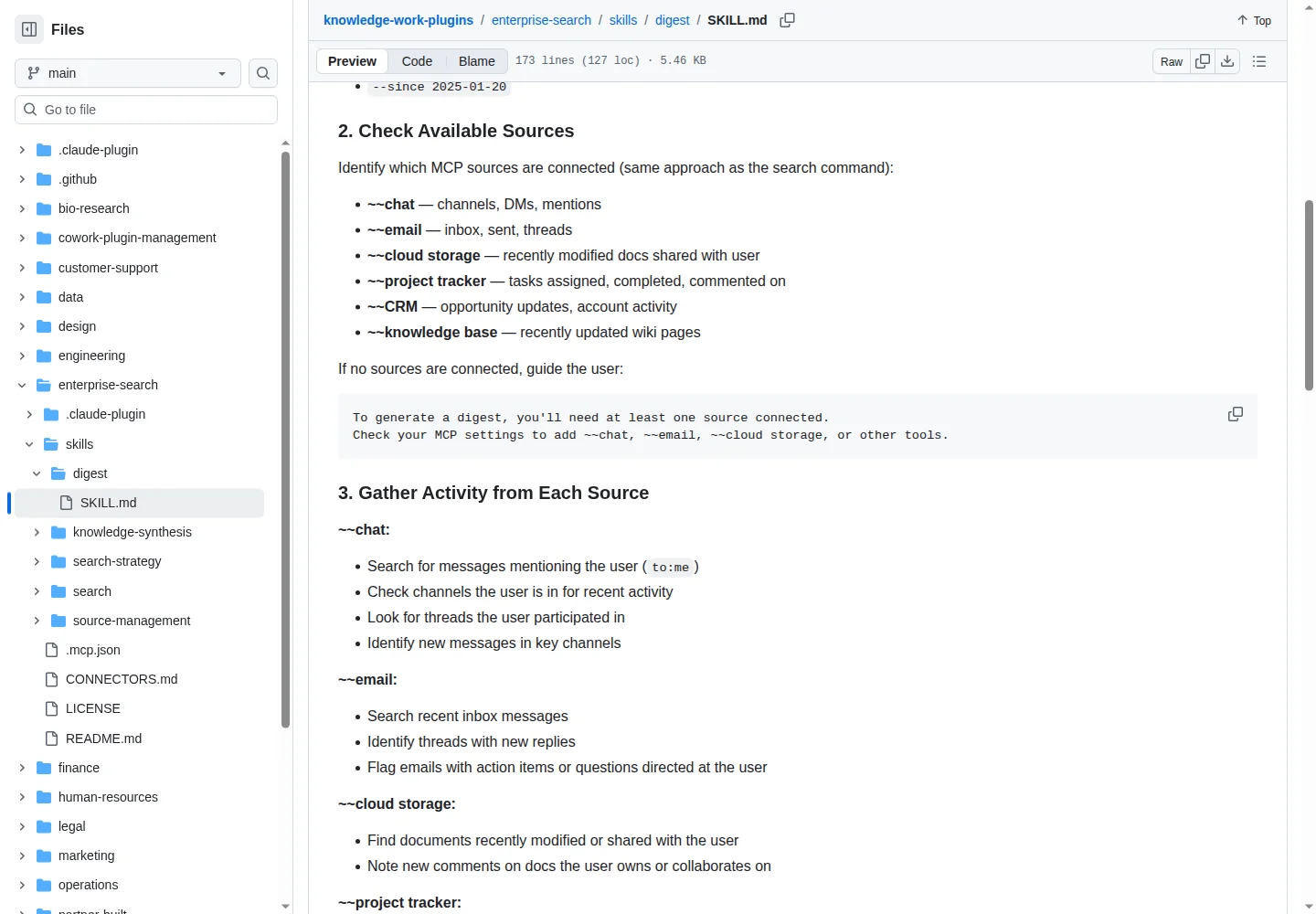
- Potential source categories include chat, email, storage, project tracking, CRM and knowledge bases. Connected sources still need authorized permissions.
- The procedure extracts decisions, document updates, mentions and proposed actions and deduplicates related events across sources.
- Later replies can change ownership, decisions or status. Review them before creating real tasks.
- Unavailable sources, permission limits and truncated results define coverage limits. Illustrative examples are not observations from an organization.
- No private work sources were queried and no digest, task or message was published.
Workflow guide
Set weekly start and end dates and permitted projects. Identify authorized chat, email, storage, tracker, CRM and knowledge connectors.
Retrieve activity only within that range and scope. Record failed, unreachable, disconnected or truncated sources.
Extract decisions and proposed actions with source context. Read thread replies before assigning an owner or status.
Merge duplicate events across sources and group them by project. Keep references and missing-source notices visible.
Compare with a manually checked fixed weekly sample. Count missed items, false assignments, duplicates, attribution errors and reviewer time.
Have a reviewer confirm owners, dates, status and recipient access before sharing. Do not create tasks or publish automatically.