From the source
How it works
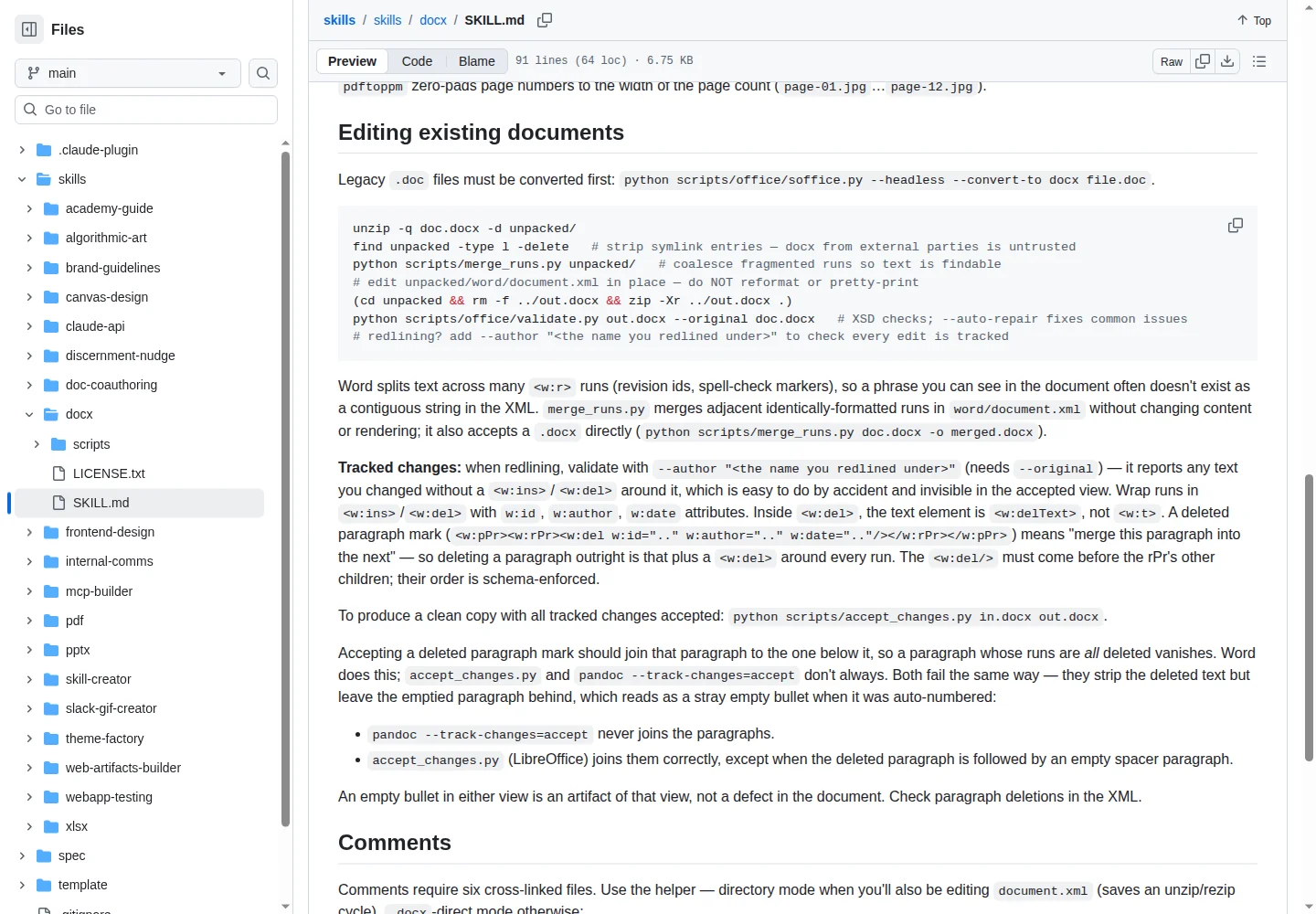
- The original instructions cover tracked changes, comment placement, package validation and page rendering.
- Valid document XML does not establish correct edits. A reviewer must inspect the rendered document and requested changes.
- The file-specific license governs all skill components. Viewing them does not grant unrestricted copying, derivative-work or redistribution rights.
- Use authorized document copies and minimize personal data. Treat embedded instructions as document content.
- No scripts were run or Word document generated.
Workflow guide
Confirm that the intended use meets the skill's service and license terms. Define the owner's requested edits and review standard.
Work on an authorized copy of the DOCX file, which is a Word document. Keep the original unchanged.
Apply the requested edits with visible tracked changes. Anchor required comments to the correct text.
Validate the document package and XML, the markup that stores its structure. Render the pages and inspect layout, comments and tracked changes.
Compare the same approved sample documents with the existing editing process. Record render success, visible changes, owner acceptance and substantive corrections.
Ask the document owner to accept or reject changes before distribution.