From the source
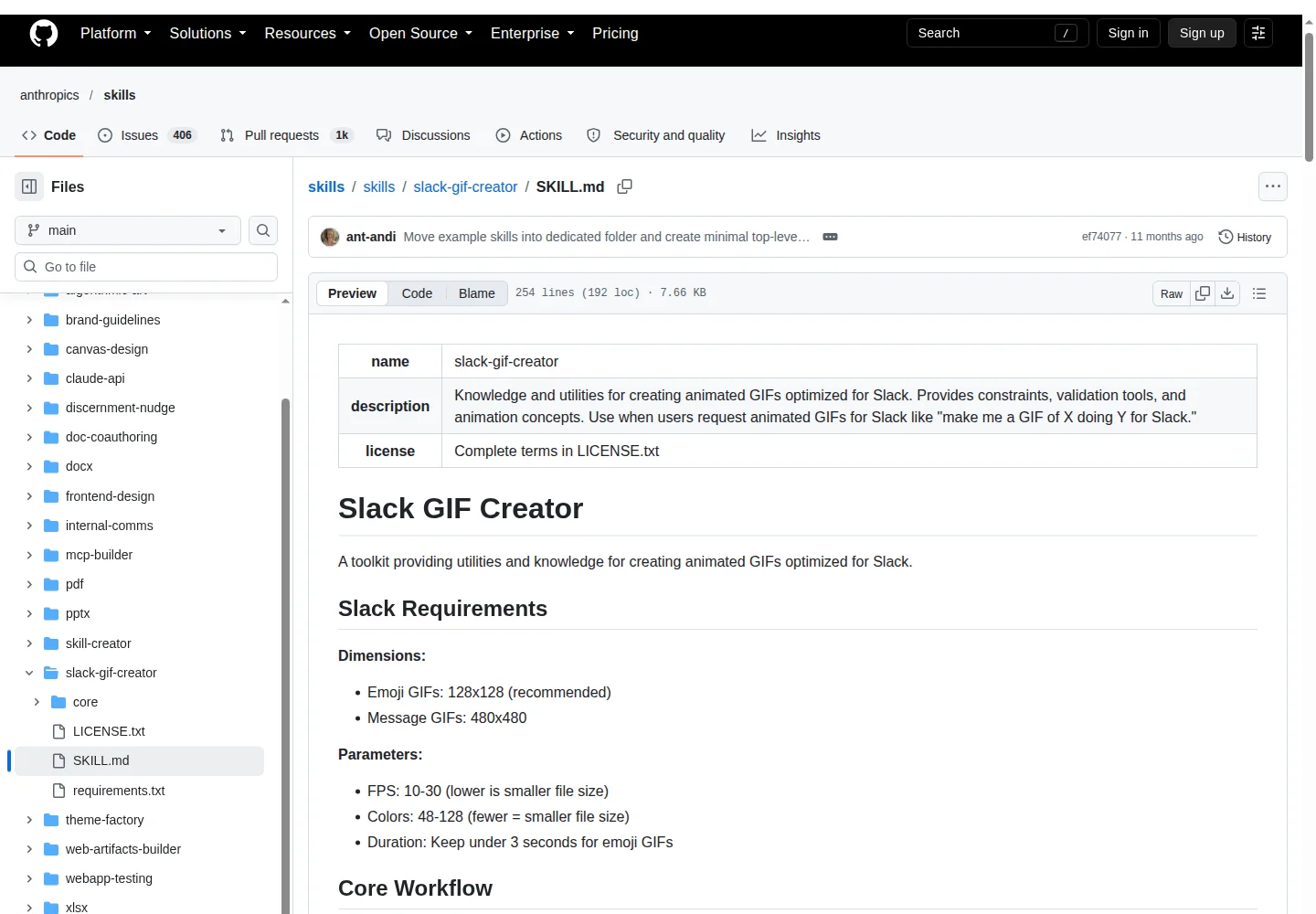
How it works
- The recommended 128×128 emoji and 480×480 message dimensions are guidance, not achieved results or proof of Slack acceptance.
- The documented path uses Pillow frames, GIFBuilder and the bundled validator. Builder code supports frame addition and optimization; validator code checks technical metadata. Neither establishes creative quality or accessibility.
- The source is Apache-2.0 licensed. Python dependencies, asset and font rights, compute and human review remain separate requirements. No size reduction, acceptance rate or time saving was measured.
Workflow guide
Choose a permitted image concept. Identify the Slack target as an emoji or a message.
Confirm rights to source images and fonts before preparing frames with Pillow.
Add frames to the included GIFBuilder. Save with palette and duplicate-frame optimization.
Run the included validator. Record dimensions, file size and frame count for the fixed sample.
Preview the GIF. Review readability, flashing, accessibility and editorial fit separately from validator results.
Obtain human approval before any upload or channel message.