From the source
How it works
- The skill proposes candidates and requests selection, aspect ratio and framing. Proposed clip counts are instructions, not observed results.
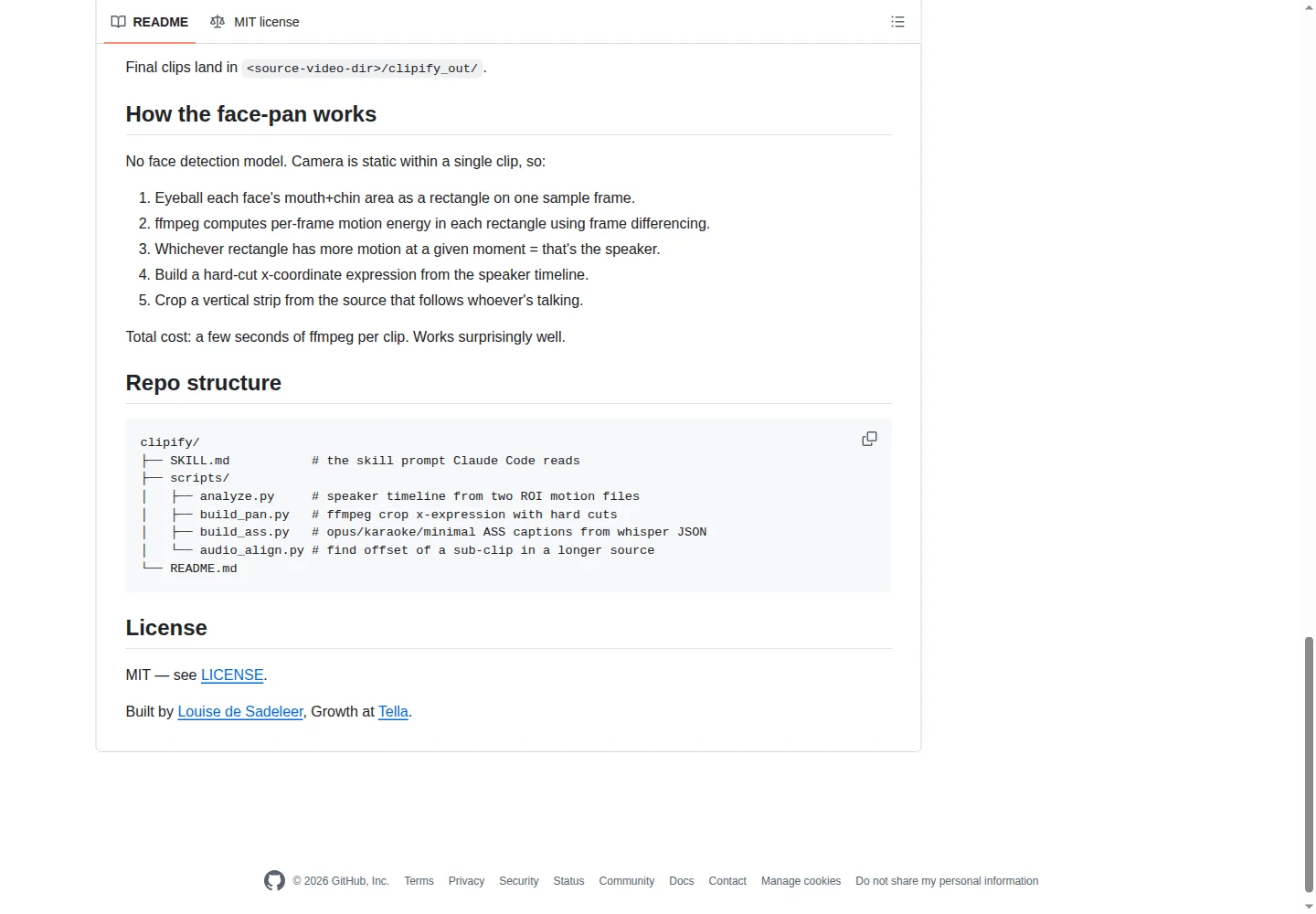
- For a static two-person shot, the documented pan method compares motion in selected mouth-and-chin regions. analyze.py estimates speaker activity, and build_pan.py generates hard-cut crop positions. This is not face recognition.
- build_ass.py prepares ASS captions from Whisper word data. FFmpeg renders the selected clip with captions. The documented VideoToolbox flag assumes macOS and needs adaptation elsewhere.
- Example render times and personal-use statements are author anecdotes, not independent benchmarks. Review rights, context, speaker selection and caption text before distribution.
Workflow guide
Provide a local recording with confirmed use rights to an approved skill environment.
Transcribe the recording with Whisper.
Check proposed timestamps against the video before selecting a clip and aspect ratio.
For wide footage with two speakers, choose hard-cut pans or split-screen after checking face positions.
Render captions and review words, audio, framing, context and clip boundaries before approving public distribution.
Record accepted clips, timestamp errors, caption corrections and editing minutes for the fixed pilot sample.