From the source
How it works
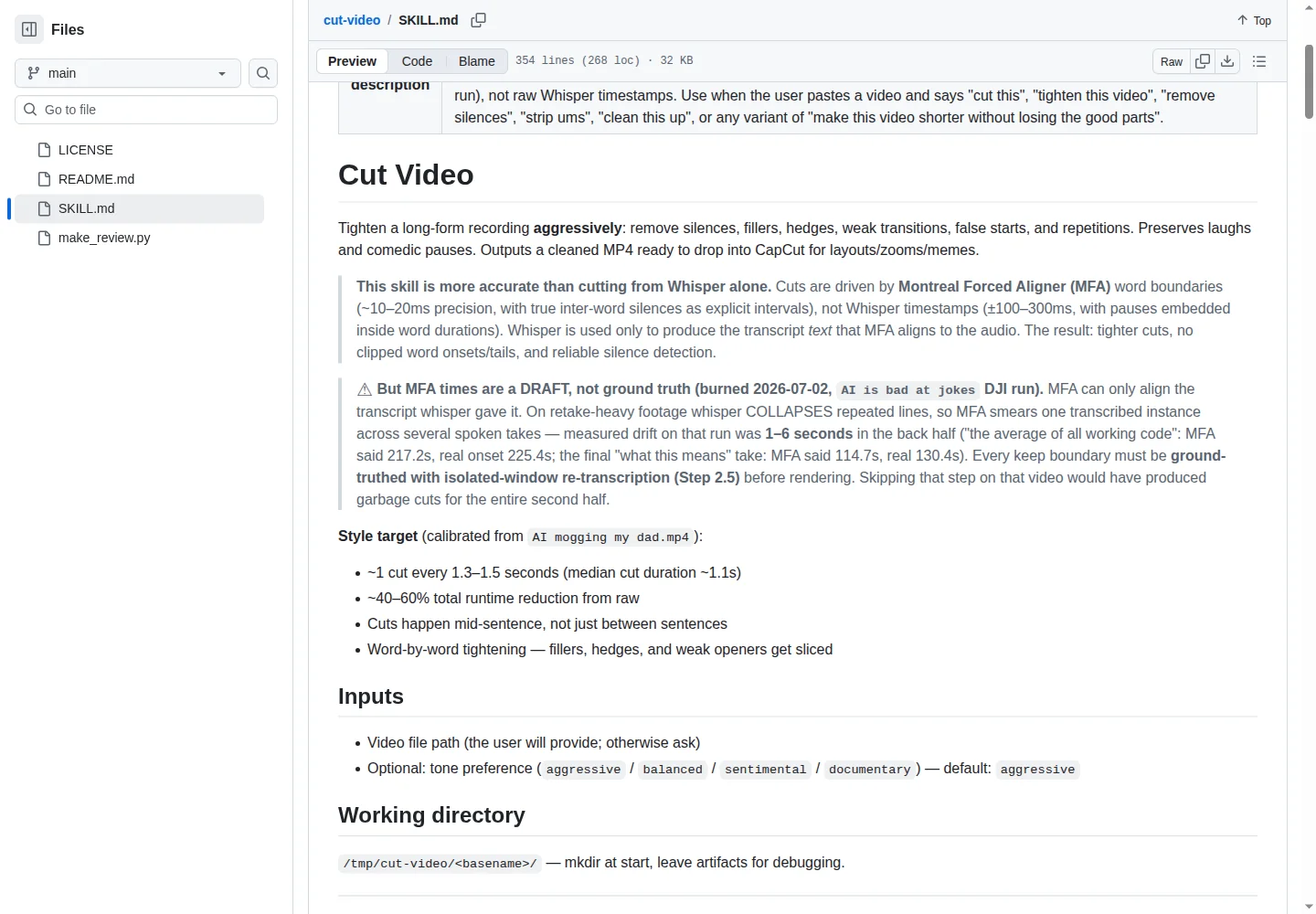
- The skill checks every kept boundary with isolated-window transcription because timestamps can drift in retake-heavy recordings. Estimated alignment is not ground truth.
- The original review describes a separate rendered MP4 after boundary checks. Compression and cut-density targets are presets, not achieved benchmarks or editing-time savings.
- The current original renders first and lets the owner review the result. Tella’s approval-before-render description is not fully current. Do not present it as the current control.
- The skill can run shell commands and install dependencies. Inspect it, restrict files, preserve complete words and meaning, and protect voice and face data. External upload and publication need separate approval.
Workflow guide
Inspect the skill and dependency commands before approving local execution. Preserve the original recording. Check orientation before creating a working proxy.
Transcribe and force-align audio to estimate word times. Choose a suitable tone preset for proposed silence, filler, false-start and repetition cuts.
Transcribe isolated windows again around every kept boundary. Resolve clipped window edges, stretched words, repeated takes and conflicting timestamps.
Render checked intervals with trim and concat into a separate MP4.
Check retained words, intended pauses, meaning and audio-video synchronization. Let the owner review the result before separate approval for external upload or publication.
Compare the fixed sample with manual editing. Record word loss, synchronization errors, correction cycles and editing time. Report video runtime reduction separately.