From the source
How it works
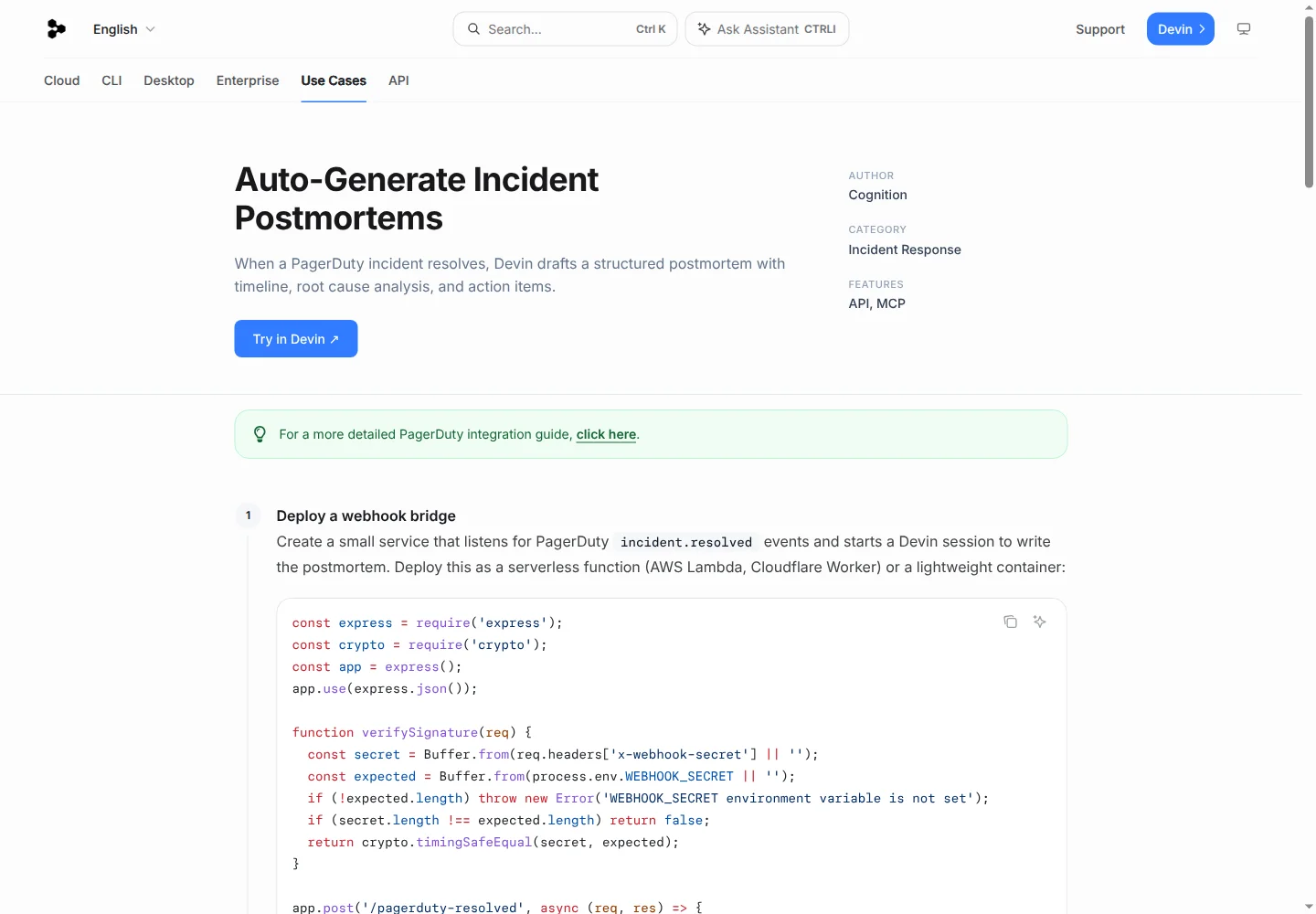
- The sample compares an X-Webhook-Secret header with WEBHOOK_SECRET using timingSafeEqual. This is a shared-secret header check, not cryptographic verification of the payload signature.
- The bridge handles incident.resolved and creates a session through the documented organization-sessions API. The code was read, not deployed or tested.
- The guide requires a service-user token with UseDevinSessions permission. Optional runtime-evidence connectors require separate authorized access.
- Draft chronology, impact, causal hypotheses and proposed actions require incident-owner verification. Draft creation is not incident resolution or proof of root cause. No postmortem was published.
Workflow guide
Use the documented authenticated bridge to capture relevant incident.resolved events.
Create a scoped Devin session with only permitted incident context and evidence.
Retrieve approved read-only logs, errors, deployment history and timestamps when connectors are available.
Draft a cited chronology, customer impact, contributing factors and proposed actions. Separate observations from hypotheses.
Ask the incident owner to verify timestamps, impact, causal claims and action ownership before sharing or recording the report.
Compare drafting and correction time with similar manually documented incidents. Count unsupported statements and required factual edits.
Sources and downloads
Try Devin with Thomas’s referral link ↗ · We may receive a referral benefit.
Discuss this workflow →