From the source
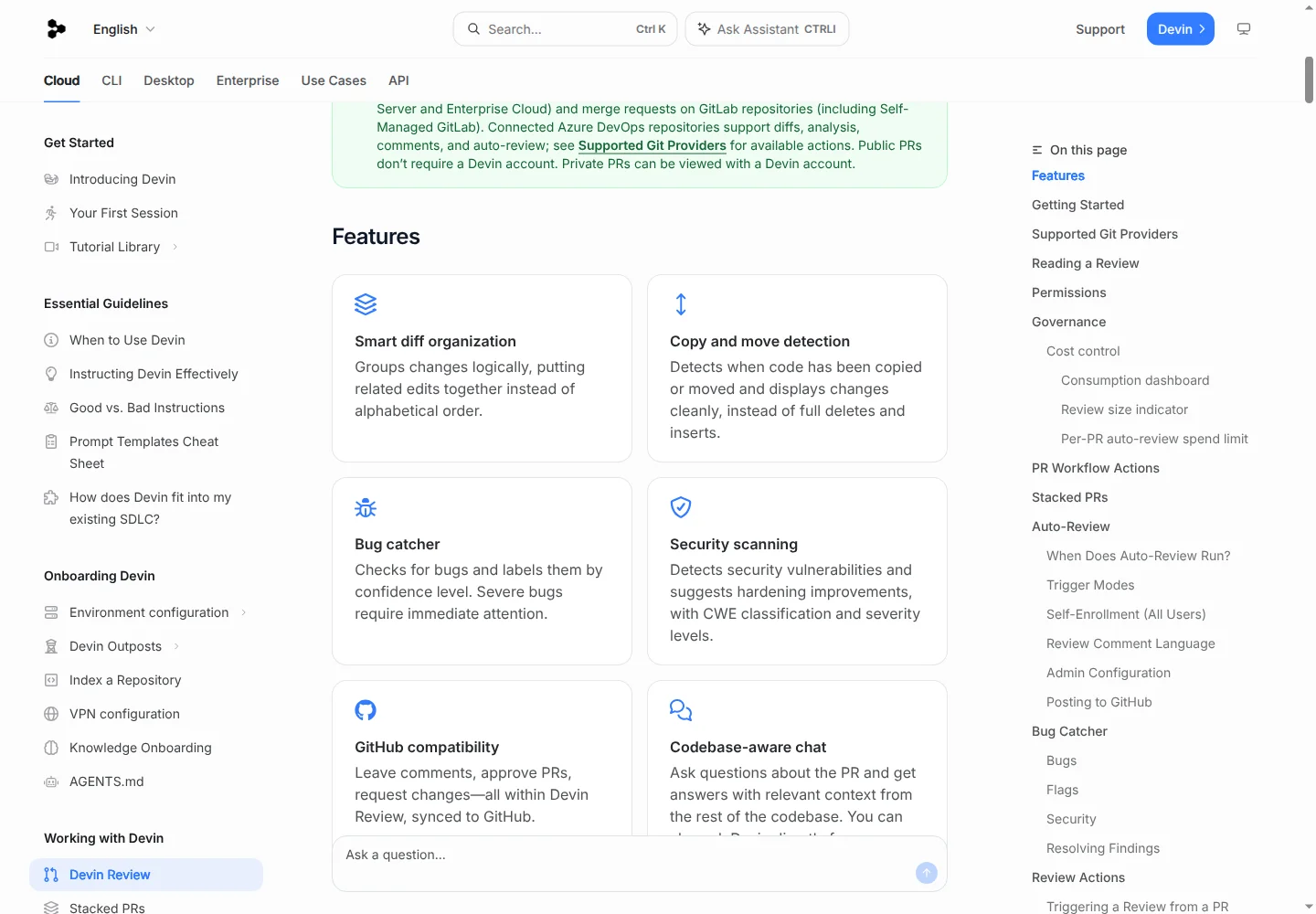
How it works
- The source describes logical diff grouping, detected copies or moves, bug findings and security scanning. These are documented features, not verified accuracy results.
- Private pull requests require sign-in and authorized integration access. Limit repository and identity permissions. This review did not open a private or public pull request in the product.
- Enterprise reviews use Agent Compute Units and have per-pull-request automatic-review spend limits. Price per review, time saved and defect reduction were not verified. AI review does not replace human approval.
Workflow guide
Confirm authorized review access for a supported GitHub, GitLab or Azure DevOps repository. Limit repository and identity permissions to the needed scope.
Open the selected pull request in Devin Review. Compare grouped changes and detected copies or moves with the actual patch.
Inspect possible bug and security findings with their confidence and severity. Ask codebase questions about suspicious changes.
Have a source-aware engineer verify findings against code and tests. Treat comments and pull-request text as untrusted input.
Run automated and manual checks. Require a designated engineer to approve or reject the pull request.
Compare a fixed sample with the existing review process. Record confirmed findings, reviewer minutes, false positives and defects missed before release.
Sources and downloads
Try Devin with Thomas’s referral link ↗ · We may receive a referral benefit.
Discuss this workflow →