From the source
How it works
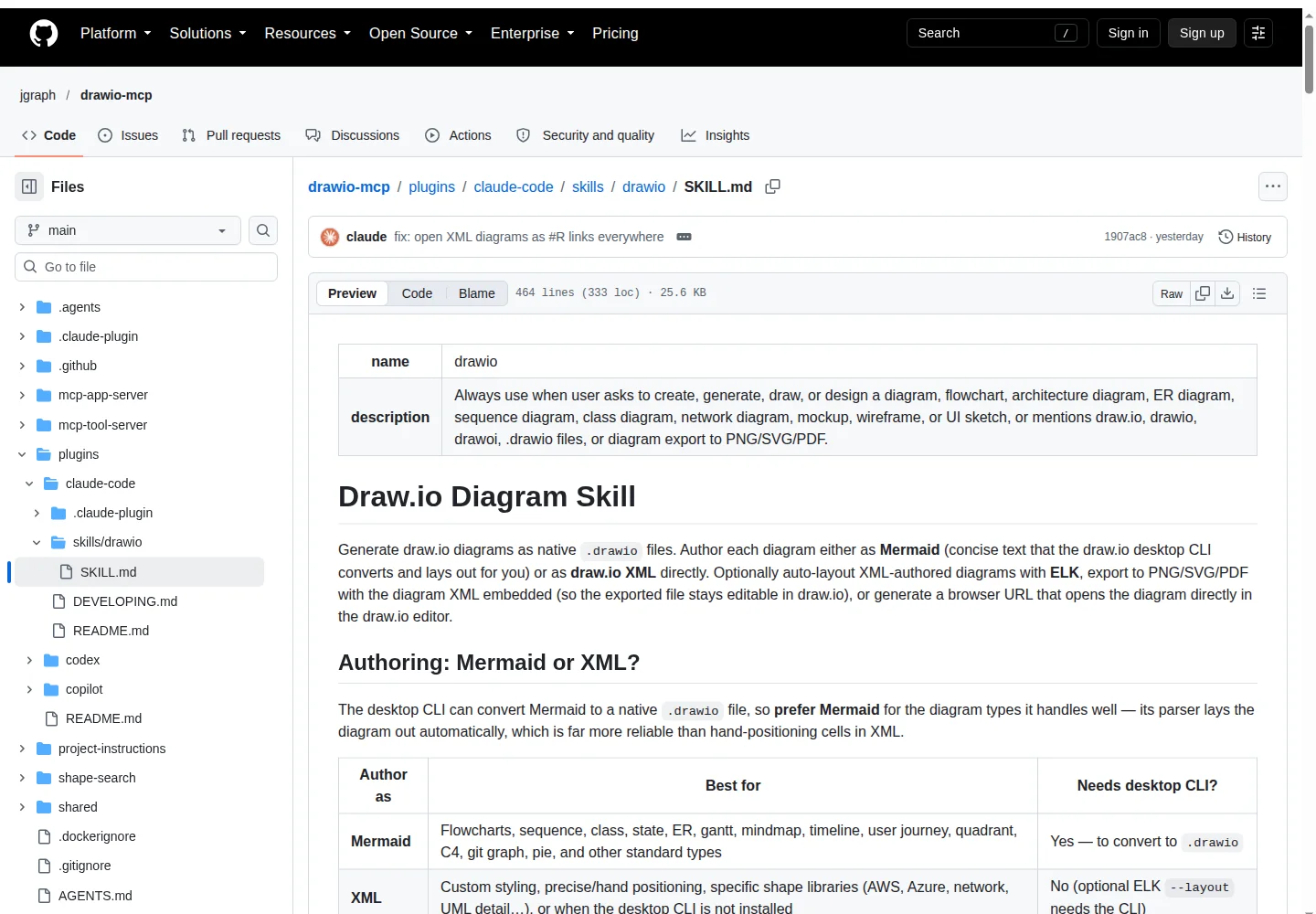
- The skill specifies a native .drawio file first. Mermaid conversion and local image or PDF export require the draw.io Desktop CLI. Direct XML file creation does not.
- The README distinguishes hosted MCP from local plugin execution. A hosted model still receives its inputs, even when export is local.
- Viewer assets and shape searches can make outbound requests. Strict isolation requires separate checks. Appearance does not prove actors, connections or decisions are correct.
- The repository is Apache-2.0 licensed. Model use and hosting are separate. No quality benchmark or analyst-time saving accompanies the supplied workflow.
Workflow guide
Prepare an approved brief naming actors, decisions and real dependencies. Remove sensitive details.
Approve the data path. Choose Mermaid with the Desktop CLI or native XML for file creation without that CLI.
Draft a native .drawio file in isolation. Convert Mermaid before export. Apply optional XML layout only when useful.
Check missing actors, arrow directions, decision logic and readability against the fixed brief.
Export locally to PNG, SVG or PDF with embedded XML where supported. Verify that the artifact reopens as editable structure.
Retain the native file and record reviewer corrections. Obtain process-owner approval before sharing or publishing.