From the source
How it works
- The original narrative gives a 30% matching-only baseline. Its later wording compares matching and clearing. These are not equivalent metrics or a controlled like-for-like comparison.
- The additional 15% matched share still requires manual clearance. It is not part of fully automatic clearing.
- EY reports 120,000 annual hours saved at about half rollout. The 230,000-hour full-rollout figure is a projection. Measurement dates and the observed payment denominator are absent.
- No payment was matched or cleared in this review. Do not assign unrelated general-ledger or PowerPost results to PowerMatch, or convert reported hours into cash savings.
Results
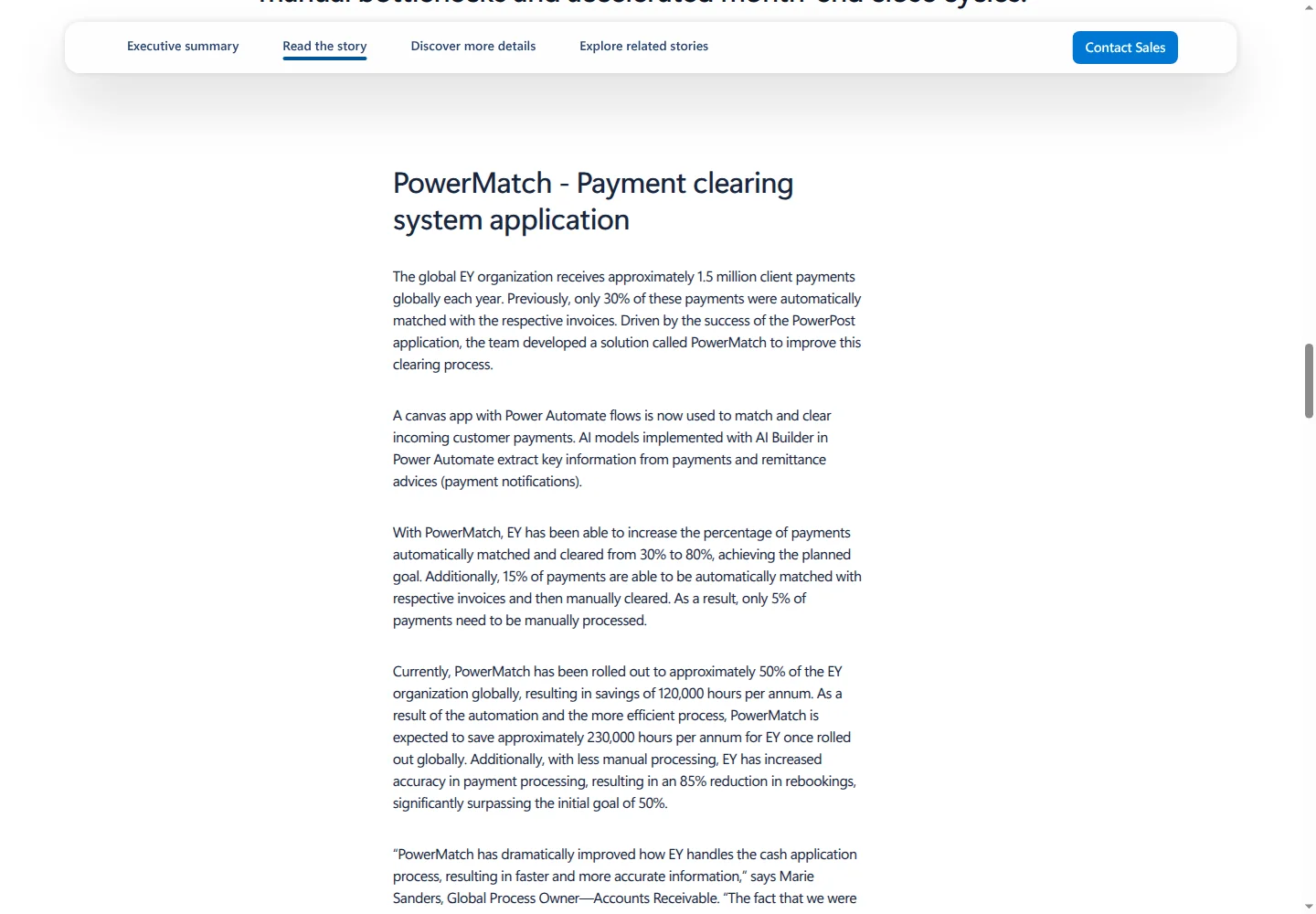
Microsoft reports that EY previously matched 30% of payments automatically. PowerMatch now automatically matches and clears 80%, with another 15% matched and then cleared manually. The earlier matching-only metric is not equivalent to matching and clearing. EY reports 120,000 annual hours saved at roughly half rollout. The 230,000-hour figure is a full-rollout projection, not an achieved result. Measurement dates and the observed payment denominator are not disclosed.
Workflow guide
For an authorized pilot, connect approved SAP receivables and payment or remittance feeds through Power Platform.
Extract references and amounts from remittance documents, which explain payments, with AI Builder. Match candidates to open invoices.
Separate candidates for automatic matching and clearing, matches needing manual clearance and unresolved cases. Keep clearance subject to finance controls.
Require authorized review for ambiguous matches, exception resolution and journal changes. Reconcile cleared balances with bank and SAP records.
Compare the same fixed payment cohort with the current process. Report matching and clearing separately. Count cash-application corrections and reconciliation delay.