From the source
How it works
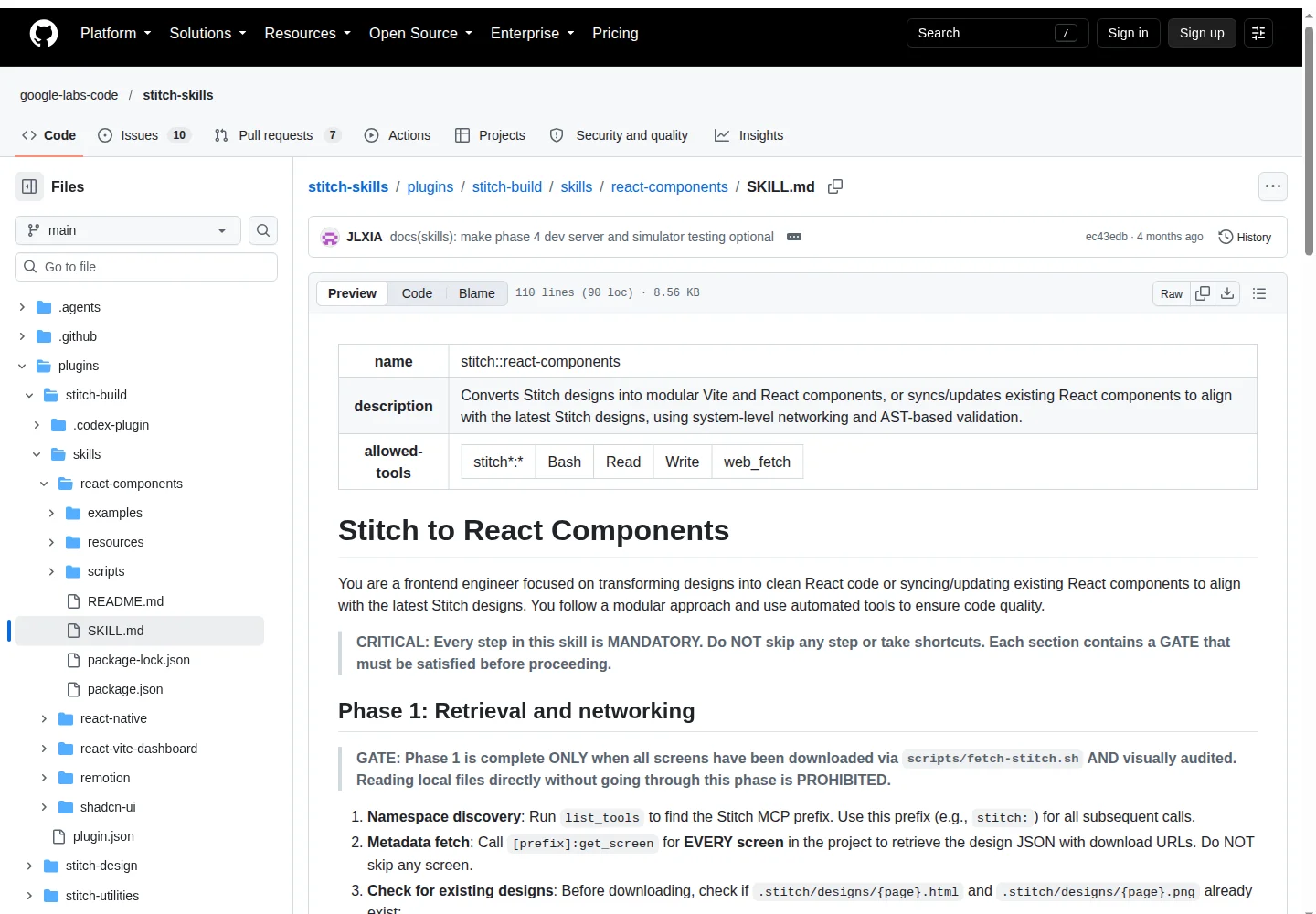
- The skill uses screen metadata, HTML and full-size screenshots. Existing local designs require a refresh decision.
- Tokens must come from the current project. Tokens copied from another project are not acceptable.
- Drafts separate components, hooks and mock data. Real routes and product behavior require implementation and testing.
- The inspected AST validator checks a Props interface and hexadecimal colors in literal className values. It does not enforce every architecture, route or dark-mode rule.
- Validation and browser checks require permission. No Stitch export, generated application or validator execution was demonstrated in this research.
Workflow guide
Retrieve every approved screen through configured Stitch MCP access. Ask before refreshing existing local designs.
Download HTML and full-size screenshots with the skill's fetch-stitch.sh helper after download authorization. Record screen IDs, dimensions, project information and last-sync time.
Inspect screenshots. Extract the current screen HTML's Tailwind configuration into a proposed style-guide.json. Do not reuse another project's palette.
Draft reusable components in isolation. Obtain authorization before implementation. Include typed Props interfaces, separate hooks and mock content, and actual routes instead of placeholder anchors.
Get permission for optional validation and browser checks. Record responsive defects, token mismatches and broken routes for the fixed screen set.
Test interactions, authentication, real data, accessibility and error states separately. Require human review before any production merge.