From the source
How it works
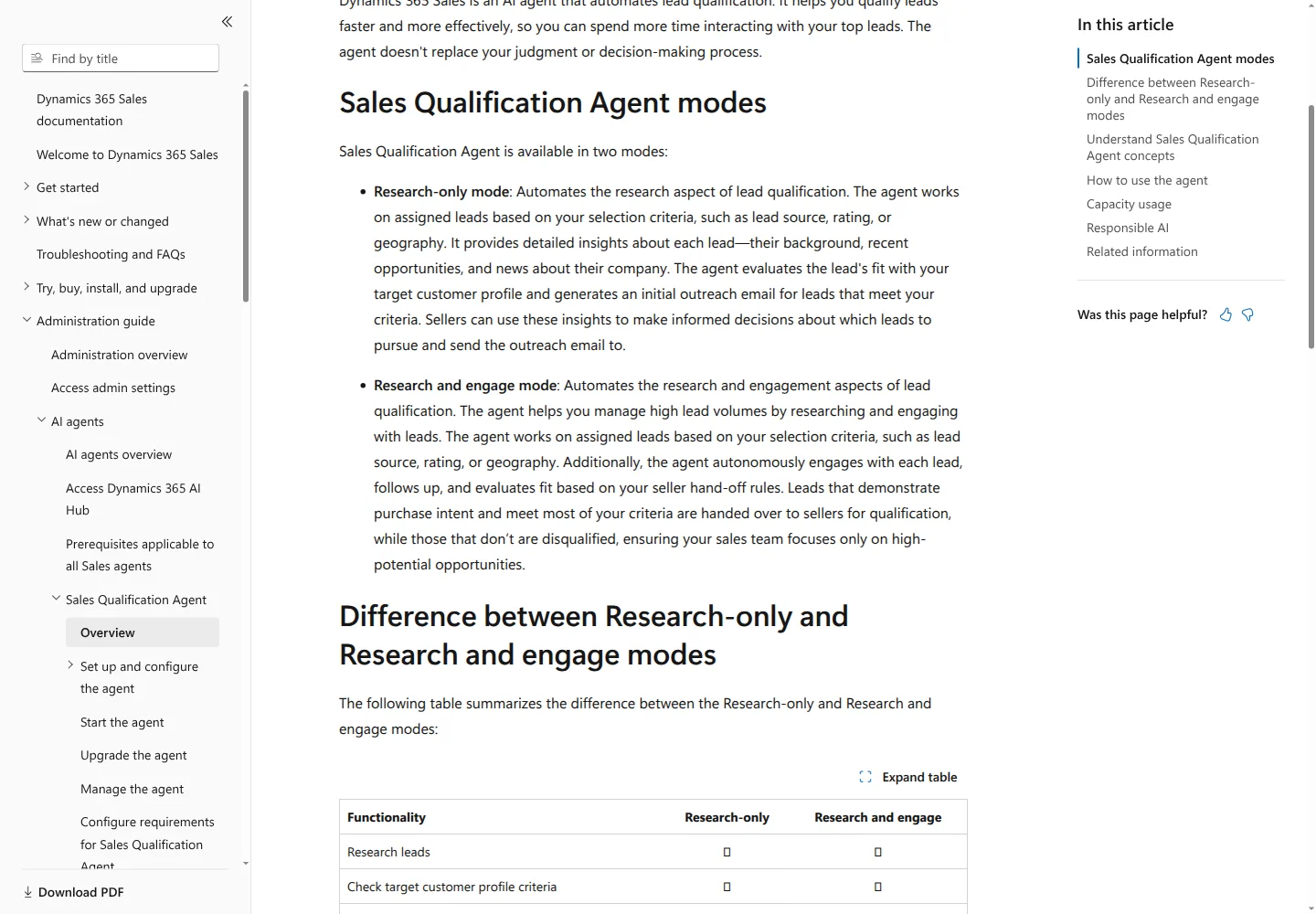
- Research-only prepares drafts and profile-fit research. BANT interrogation about budget, authority, need and timing belongs to engage mode, not Research-only.
- Setup needs Dynamics 365 administration, Copilot Studio licensing, tenant capacity, permitted connectors and Exchange synchronization for email generation.
- Only one mode can be deployed per organization. The documented engage upgrade is one-way. Stopping the agent does not cancel already-orchestrated leads.
- The guides establish setup and behavior, not faster qualification or higher conversion. No tenant records, live drafts, capacity measurements or mode controls were tested.
Workflow guide
Confirm licensing, tenant capacity, administrator permissions, connector policies and seller roles before selecting Research-only mode.
Review the one-way engage-mode upgrade and the limits of stopping the agent before approving configuration.
Configure company information, product details, target-customer criteria, lead-selection rules and approved knowledge sources through the documented setup.
Test a fixed lead cohort for sourced facts, profile fit, seller handoffs and unsupported claims in outreach drafts.
Have sellers verify relevance. Require separate approval for external sends outside Research-only mode's draft preparation.
Compare the fixed cohort with the previous research process for fit agreement, corrections, seller review time and capacity per lead. Check for zero external sends before increasing assignments.