From the source
How it works
- The repository documents Docker deployment and persistent /app_data storage. Self-hosting does not keep data local if text or image providers are remote.
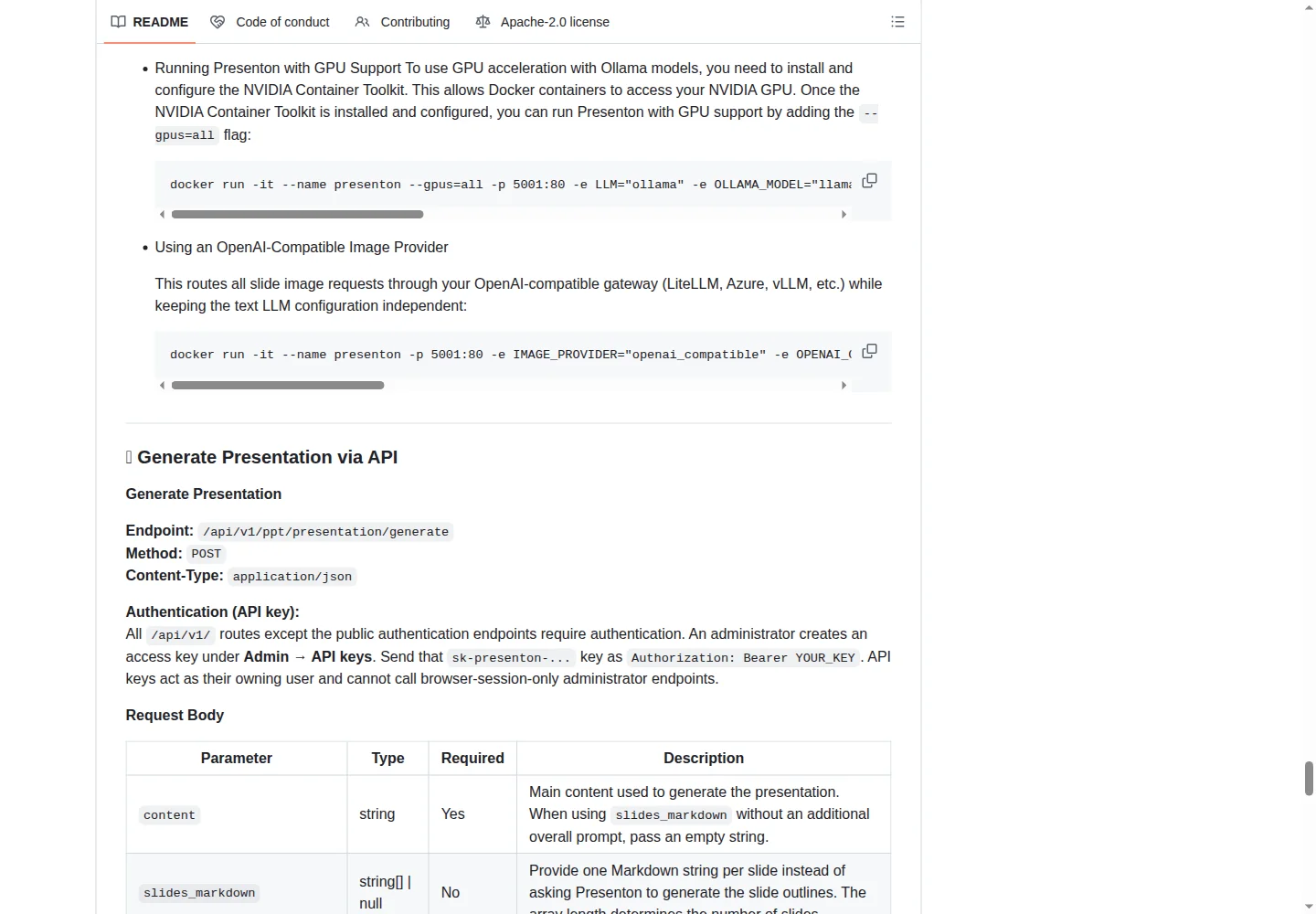
- The documented generation endpoint uses a Bearer key. Keys act as their owning user and cannot call browser-session-only administrator endpoints.
- slides_markdown skips outline generation but is not deterministic. The README allows at most 50 entries and defaults to a 100-word limit per entry. Longer content is truncated; self-hosted deployments can configure MAX_OUTLINE_WORDS.
- Editable PPTX output is documented, not verified here. Review wording, numerical charts, image rights, layout and provider data handling. No customer time or brand-consistency result is measured.
Workflow guide
Approve storage, restricted team access and each text or image provider before running the documented Docker deployment with persistent storage.
Select a template. Prepare a checked slide sequence with slides_markdown. Check the default 100-word limit and omissions.
For approved automation, ask an administrator for a user-scoped access key. Request PPTX through the documented generation endpoint.
Open the editable deck. Verify claims, numbers, charts, fonts, image rights and text overflow.
Correct layouts and brand details manually. Record corrections and total reviewer time for the fixed brief and template.
Retain the approved source. Obtain the owner's approval before sending or publishing the deck.