From the source
How it works
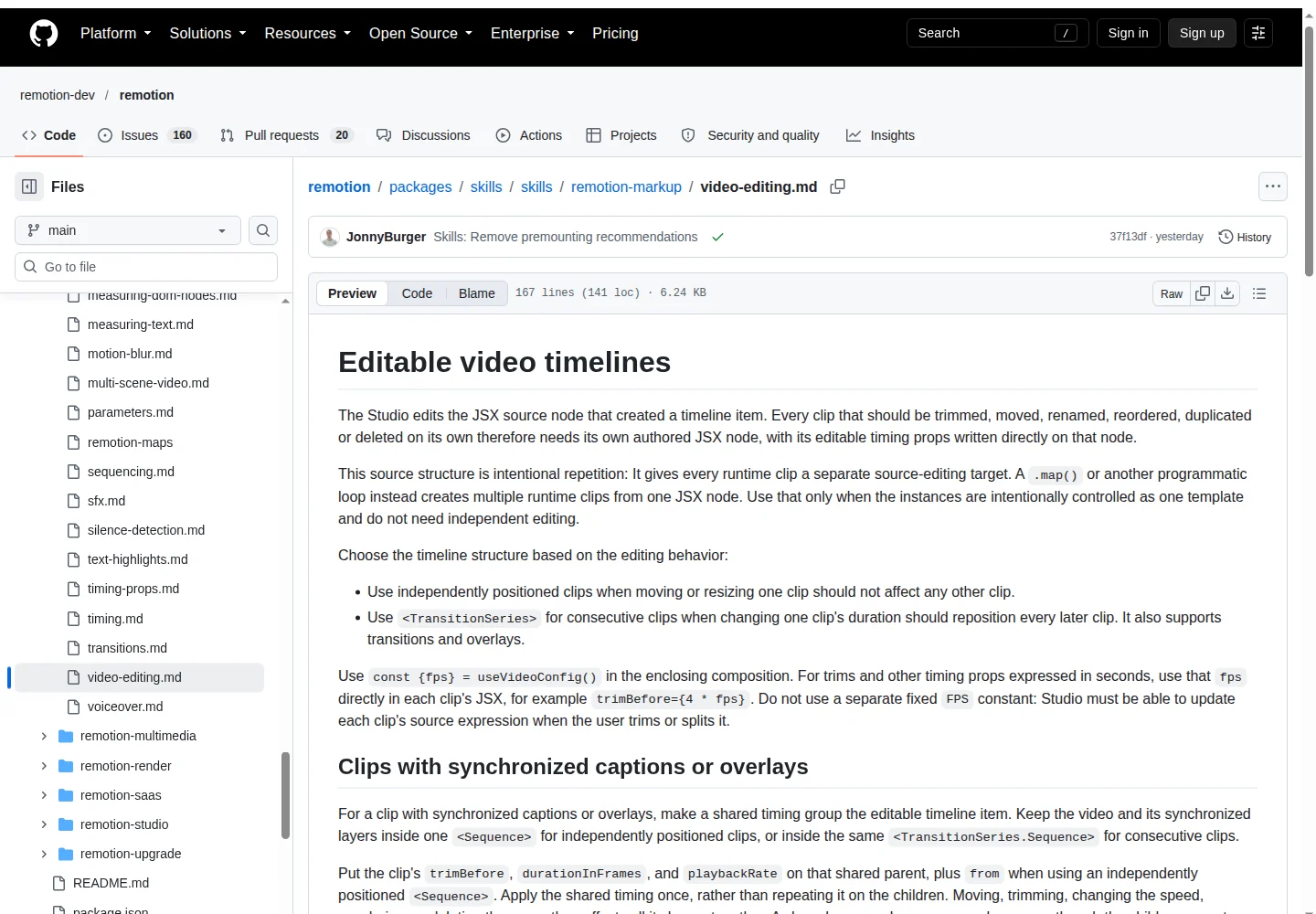
- The original skills cover creation, markup, Studio, rendering, captions and interactivity. Each independently editable clip needs its own authored JSX node. Loops can make rendered clips share one source edit target.
- Independent clips use explicit from, durationInFrames and trimBefore values. Ripple edits use TransitionSeries with explicit sequence durations and no from value. Actual trims and moves still need Studio tests.
- No caption-synchronization outcome, production adoption, audience result or controlled time-saving study is supplied.
- The recorded license allows free use for individuals, nonprofits and for-profit organizations with up to three employees. Larger commercial organizations need a company license. Media rights and code review remain separate.
Workflow guide
Confirm the brief, media rights and license eligibility before authorizing remotion-create and dependency installation in an isolated project.
Give each independently editable clip its own authored JSX node. Do not generate these clips in loops.
For independent positions, hardcode from, durationInFrames and trimBefore.
For ripple edits that shift later clips, use TransitionSeries with hardcoded sequence durations and no from value.
Test trims and moves in Studio. Require human review of generated code and the final render before merge or publication.
Record time to an approved render, build failures and manual corrections for the fixed composition. Assess editing behavior separately from visual quality.