From the source
How it works
- The operator report supplies no measured saving, baseline, cohort or observation window.
- Microsoft documents eligible external emails with an existing CRM contact, more than 1,000 characters, a supported language and no encryption. Administrative setup and licensing apply.
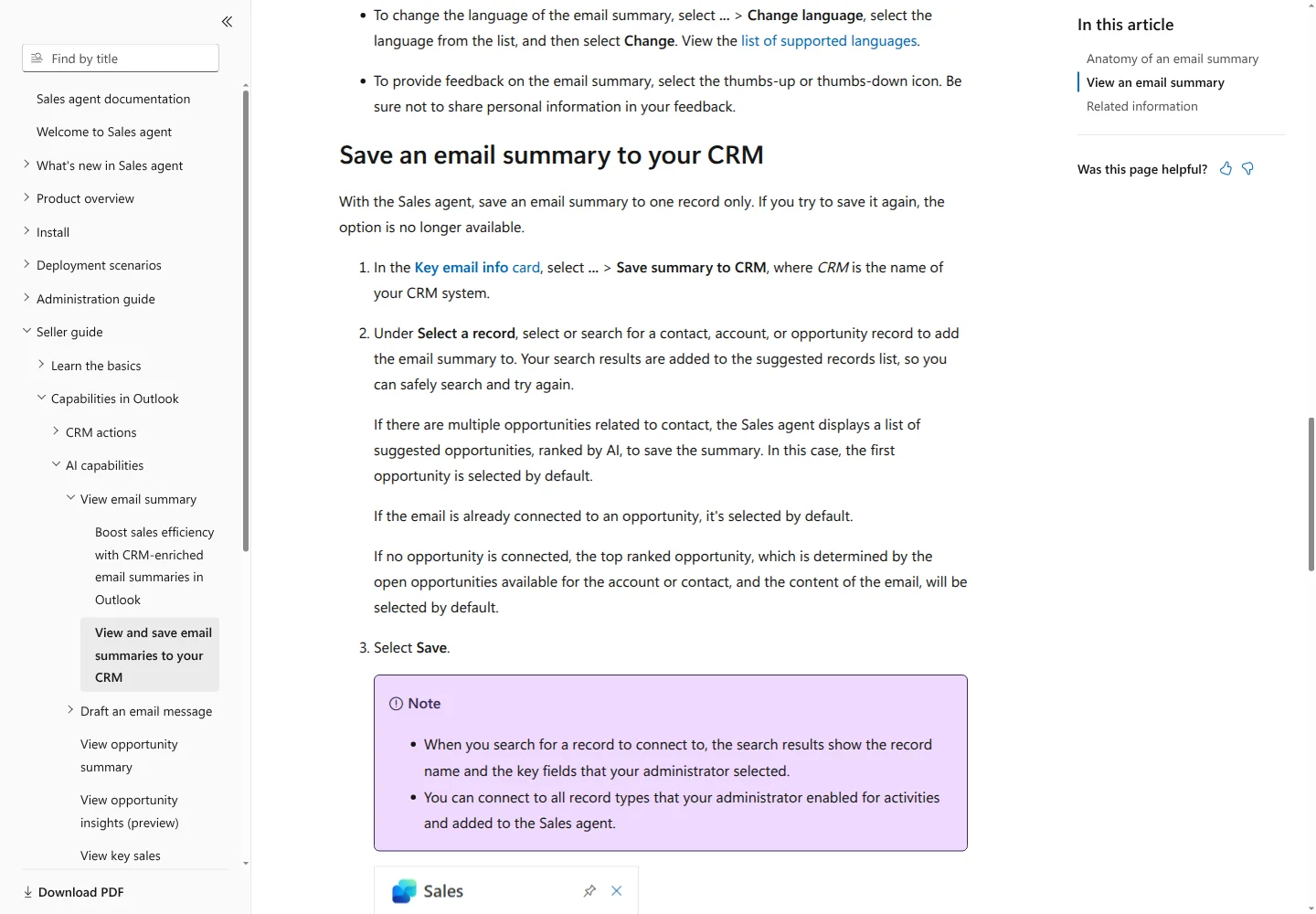
- CRM saving uses the Key email info card in Classic Outlook for Windows’ Sales pane, not the new Outlook summary box. Sellers must check the destination and summary before saving or sharing.
Results
Schneider Electric leaders Anil Kumar Sistla and Katia Michel-Canard report that integrating Copilot for Sales into CRM workflows gives sales teams more time for customers instead of administration. This is a first-person qualitative report, not a measured time saving. No baseline, cohort, observation window or quantified improvement is supplied. Microsoft documentation separately provides the email-summary and CRM-note procedure. It does not prove that Schneider used every documented step.
Workflow guide
Open an eligible external customer thread. Obtain its summary with available CRM context in the Sales pane.
Check budget, stakeholders, needs and timing against actual messages. Correct unsupported statements and omissions.
Verify the account, contact or opportunity. Select the note destination rather than accepting the AI-ranked default without review.
Approve the corrected summary before saving it as a CRM note through the Key email info card in Classic Outlook's Sales pane.
Review and separately authorize any customer reply or Teams share. Keep only necessary personal information.
Compare a fixed sample with manual thread review for note-creation time, omissions, incorrect record attachments and unnecessary personal information.