From the source
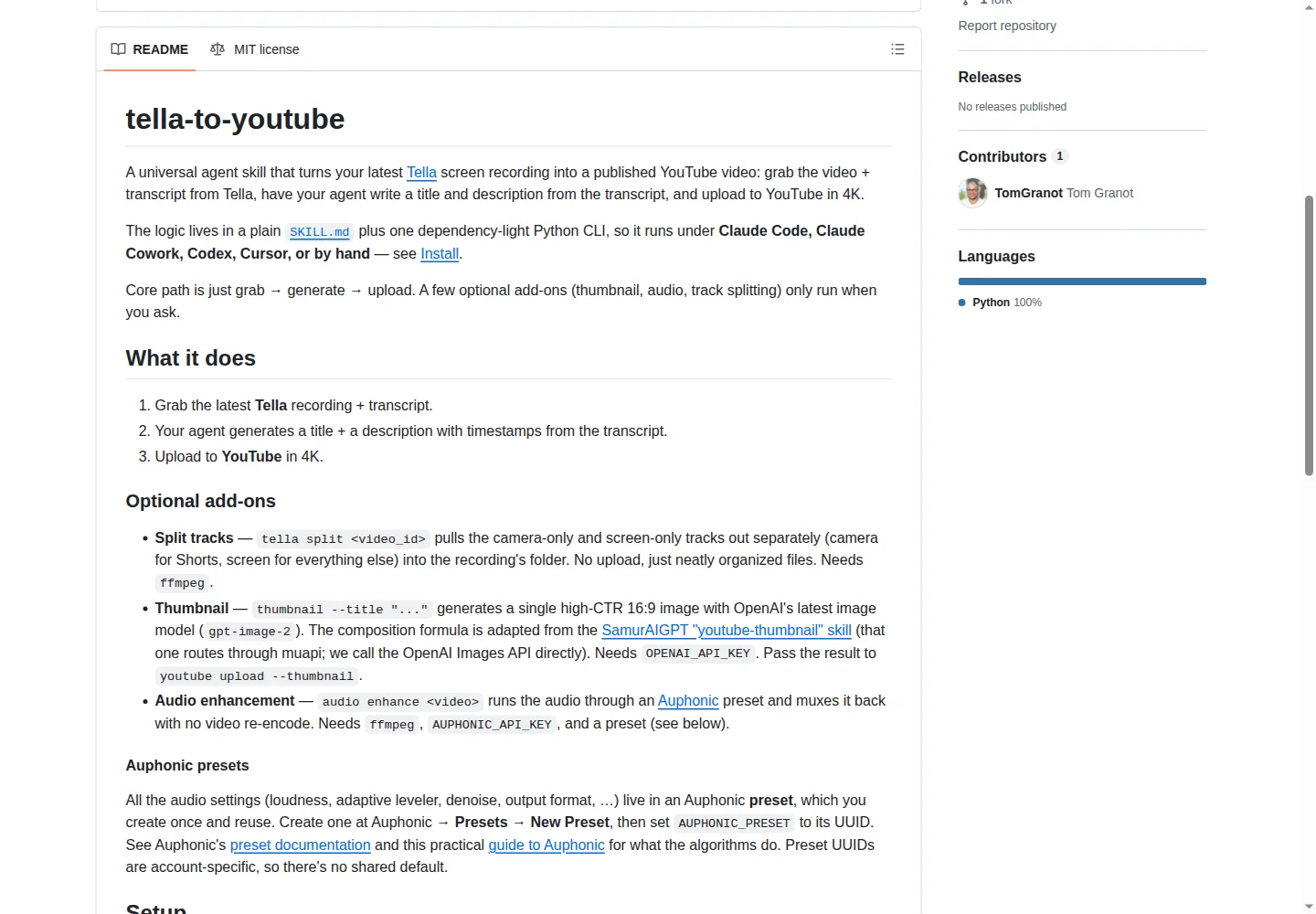
How it works
- The original documents recording retrieval, metadata preparation, setup, diagnostics and YouTube OAuth.
- Confirm the recording and channel explicitly. Latest can select the wrong footage.
- The public skill’s example sets privacyStatus to public. The public _build_video_body implementation uses unlisted when that value is absent.
- Review rights, sensitive transcript content and chapter times. Transfers, public release and optional paid services need separate approval.
- Local credentials need restricted permissions and must stay out of prompts and logs. FFmpeg supports optional track splitting.
- The original records Tella Pro at $13 per user per month billed annually. Other service costs and engagement improvements are not verified.
Workflow guide
Inspect the skill and command-line tool before approved setup. Run setup and doctor with your own Tella API credential and Google OAuth client.
Select the recording explicitly before fetching its transcript and export through approved access. Do not rely on latest.
Draft a transcript-based title and timestamped description. Check claims, chapter times, rights and sensitive details.
Ask a person to approve the transfer. Set private or unlisted explicitly before upload.
Verify the uploaded video, channel, metadata and visibility. Obtain separate approval for public release and any optional paid service.
Record export-to-reviewed-metadata minutes, chapter errors, wrong-recording selections and visibility mistakes for the fixed pilot sample.