From the source
How it works
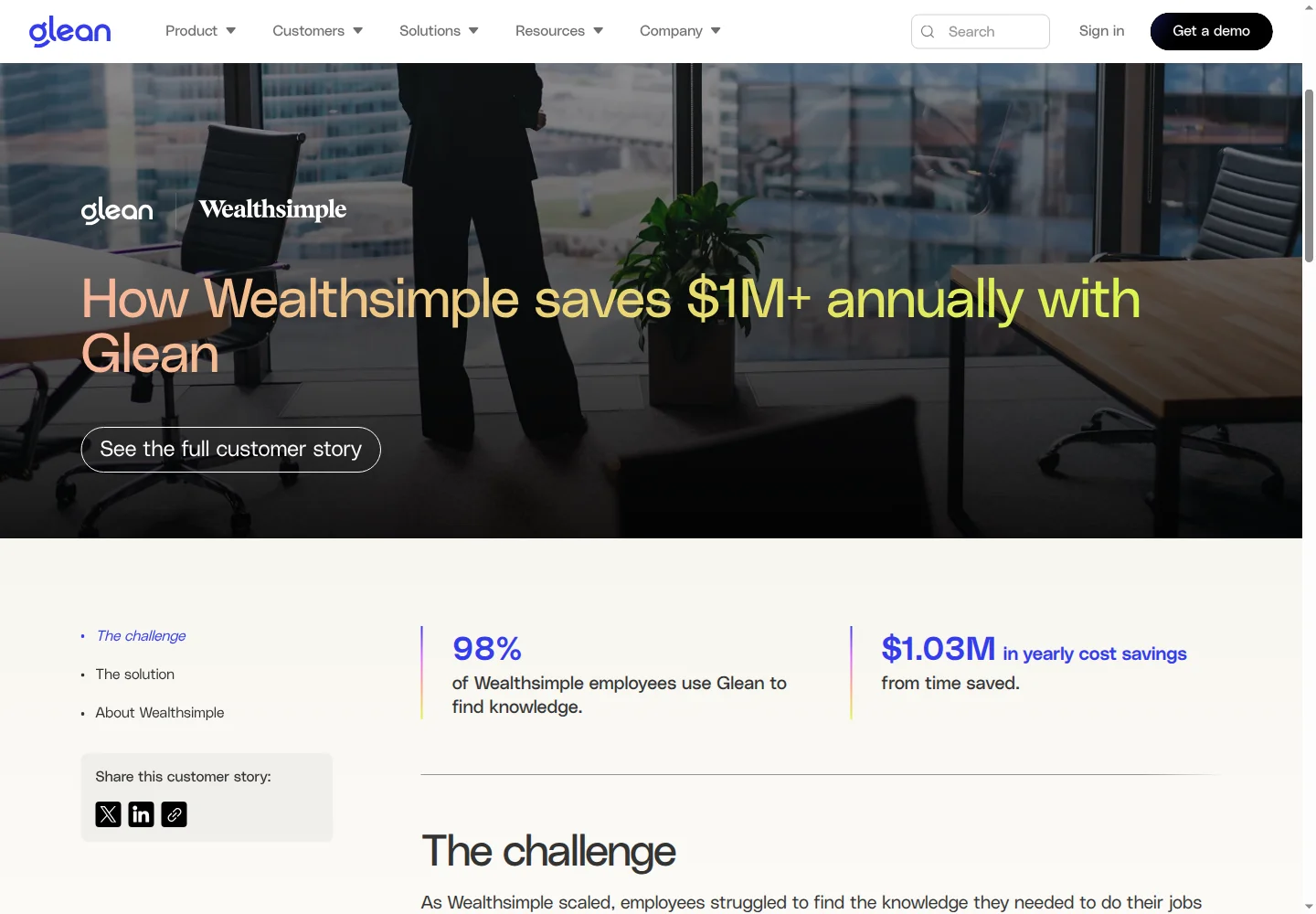
- The current customer page reports 98% employee use and over 1.5 hours of search time saved per employee per week. It values that time at $1.03 million per year. The measurement method is not supplied.
- This is a value assigned to saved time. It does not establish reduced cash spending, fewer employees or independent replication.
- The linked customer PDF reports a separate measure: 90% of users saving more than 15 minutes weekly. It is not the same population or measure as the page’s per-employee weekly figure.
- Connector documentation distinguishes administrator access from individual authentication. Permission-aware design still needs identity mapping and access tests. Those controls were not tested here.
Results
Glean's customer page reports 98% employee use and over 1.5 hours of search time saved per employee per week. It values that time at $1.03 million per year. This is a productivity valuation from reported time saved, not evidence that cash spending fell by that amount or that staffing was reduced. It is not independent replication.
Workflow guide
Select fixed work questions and approved Google Docs, Slack, GitHub and Jira sources. Record how staff currently find verified answers.
Have authorized administrators connect the sources. Map user identities and source permissions, including required individual authorization for private sources.
Test permitted and forbidden searches with representative user roles. Record unauthorized document or answer exposure.
Check each answer against its cited document and date. Flag stale material and ignore instructions embedded in indexed text.
Ask the knowledge owner to approve answers for use or sharing. Confirm that recipients may access the underlying information.
Compare verified-answer search time and staff-reported interruptions with the baseline on the fixed questions. Report permission failures and stale results separately.